
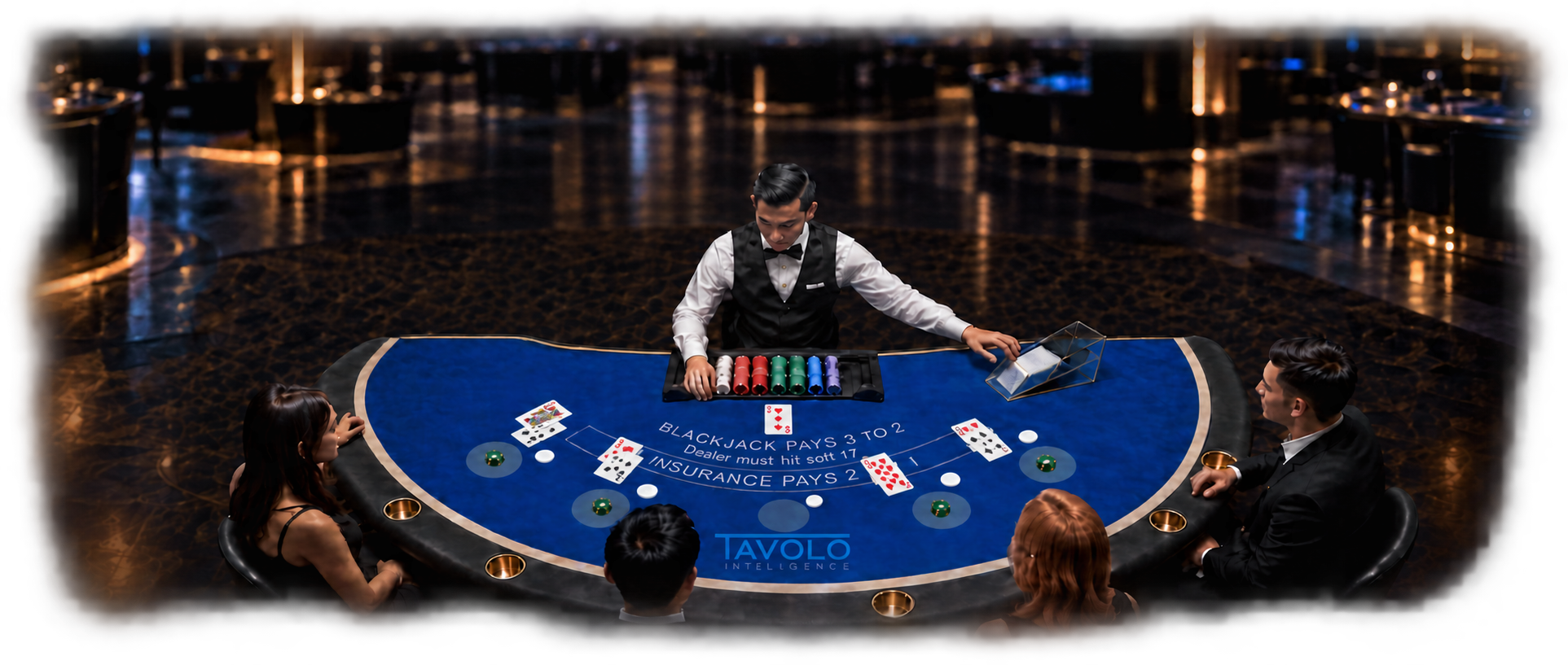
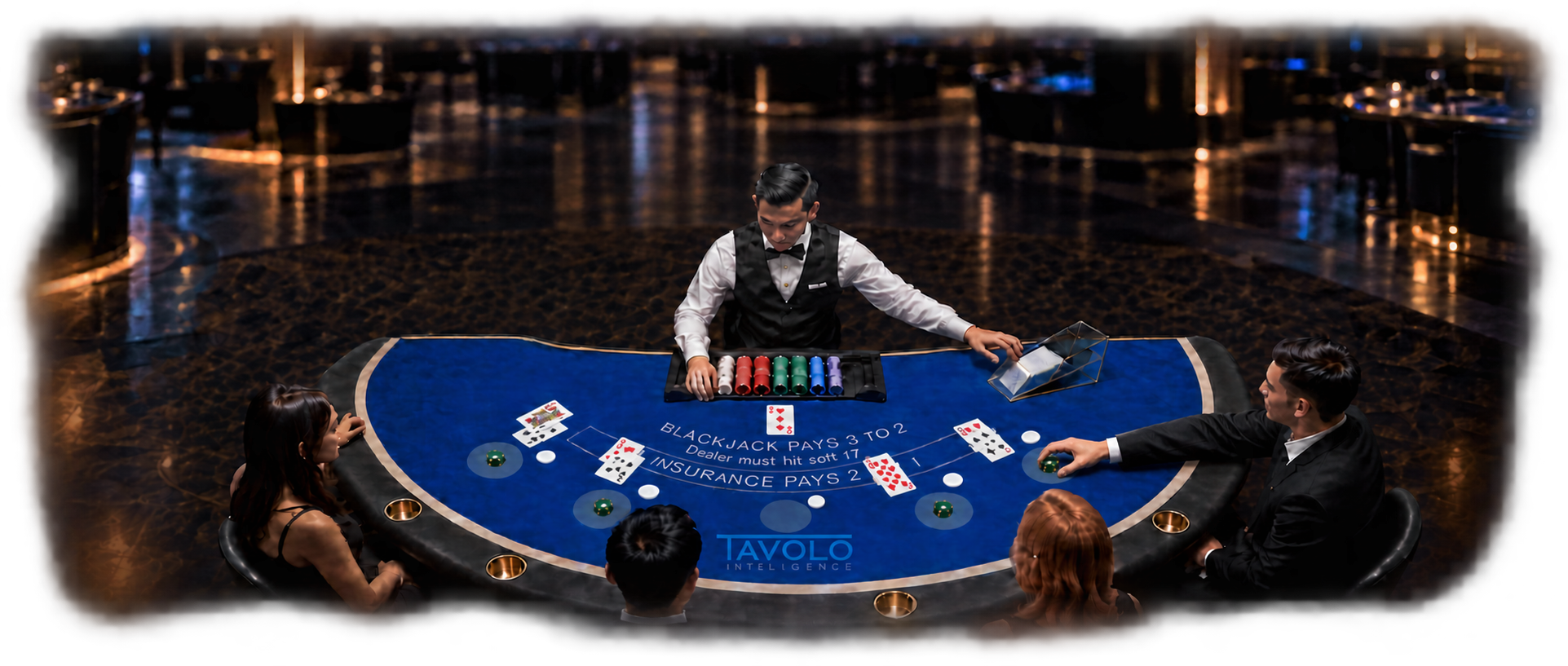






Your table. Your priorities.

Build Your Solution

Choose the capabilities that match your priorities. See your connected table take shape and discover what works better together.

Choose your capabilities
Your connected table solution0 capabilities selected
Start with a priority

Required capabilities will be included automatically.

Choose what matters

Choose your capabilities

Start anywhere. Required capabilities are included automatically; you can review the details before adding an option.

Your configuration

Included in your solution

Choose a capability or a signage option to build your connected table solution.

Connected capabilities

Better together

Connect capabilities to unlock additional benefits. Explore each combination to see what it adds.

0 connected benefits
+
Available combination

A broader view of game protection

View more

Bring suspected card counting, hole-card team activity and wager manipulation into focus alongside suspected dealing errors. Help surveillance prioritize what needs review.

  1. Flag suspicious play
  2. Identify potential errors
  3. Focus surveillance review

Surveillance + Game Protection

Current offering
Vista Protect + Vista Error + Review
+
Available combination

Suspicious activity meets wager context

View more

Pair Vista Protect’s suspected capping and pinching detections with Vista Chip’s round-by-round wager amounts to give surveillance more granular context for review.

  1. Flag suspicious activity
  2. Add round-by-round wager amounts
  3. Review the activity

Surveillance + Table Games

Controlled beta
Vista Protect + Vista Chip
+
Available combination

Table insights become dealer coaching

View more

Vista Core measures pace and side-wager participation. TIPS puts a personalized summary on a compatible staff-facing screen when the dealer taps in, turning those insights into a coaching moment.

  1. Measure
  2. Identify dealer
  3. Display summary
  4. Coach

Table Games + Training

Current offering
Vista Core + Vista TIPS
+
Available combination

From detection to table response

View more

Vista flags a suspected error. Vicino brings it to the table. Surveillance reviews the linked evidence and determines the outcome.

  1. Detect
  2. Notify
  3. Review
  4. Confirm

Surveillance + Table Games

Current offering
Vista Core + Vista Error + Review + Vicino + Vicino Error
+
Available combination

Player identity meets round-by-round wagers

View more

Connect the player and seat to wager amounts captured round by round. Support the supervisor’s rating workflow with that granular activity and average-bet summaries derived from it.

  1. Identify
  2. Associate seat
  3. Capture wagers round by round
  4. Support rating

Table Games + Marketing

Controlled beta
Vicino + Vista Chip
+
Available combination

Performance feedback, throughout the shift

View more

Use the tap-in summary to set context, then show ongoing game-pace feedback on Vicino.

  1. Measure
  2. Tap in
  3. Give feedback
  4. Coach

Table Games + Training

Current offering
Vista Core + Vista TIPS + Vicino
+
Available combination

Demand becomes clear table communication

View more

Use occupancy and pace to inform a supervisor’s limit decision, then communicate the selected limits through connected signage.

  1. Understand demand
  2. Staff decide
  3. Update signage

Table Games + Guests

Current offering
Vista Core + signage
+
Available combination

More ways to transact at the table

View more

Combine ticket transactions with supported digital options. Each route follows its configured integration and authorization controls.

  1. Choose a method
  2. Authorize
  3. Complete
  4. Record

Guests + Finance

Integration dependent
Vicino TITO + Vicino Air + Bella
+
Available combination

See the game. Hear the entertainment.

View more

Pair clear game information on Tavolo signage with audio from a connected TV source. Players can follow the entertainment while staying engaged at the table.

  1. Show game information
  2. Connect TV audio
  3. Engage players

Players + Table Games

Current offering
Tavolo Audio + signage
+
Available combination

Give the dealer a voice at the table

View more

Pair Vicino’s dealer interface with configured audio controls to trigger celebrations and game-state cues. Help players recognize key moments and staff stay aware of what is happening at the table.

  1. Dealer triggers
  2. Audio plays
  3. Players and staff notice

Players + Dealers

Current offering
Tavolo Audio + Vicino
+
Available combination

Make important alerts easier to notice

View more

Add an audible cue to configured Vicino Error notices so dealers and nearby staff can recognize when attention is needed. Suspected-error alerts remain advisory.

  1. Receive an alert
  2. Sound a cue
  3. Prompt staff attention

Dealers + Table Games

Current offering
Tavolo Audio + Vicino Error
+
Available combination

Confirmed errors inform dealer coaching

View more

Compare confirmed error trends with game and dealer performance. Suspected events stay in surveillance review until resolved.

  1. Review evidence
  2. Confirm outcome
  3. Understand trends

Surveillance + Training

Current offering
Vista Core + Vista Error + Review
Explore your configuration

Software that fits your floor

Choose your signage

Choose the player-facing display and a compatible staff-facing rating-system monitor for your table workflows.

Stella, Classico and Luma, from left to right
Signage model

Staff-facing rating-system monitor

Let’s talk about your floor

Discuss your solution

Review your configuration below. Open an email draft to share it with Tavolo, or copy it for your team.